
Step 1
Download and install
Download the Fenêtre Capture Tool for free screen recording without watermark from the Microsoft Store for Windows and install it on your computer.
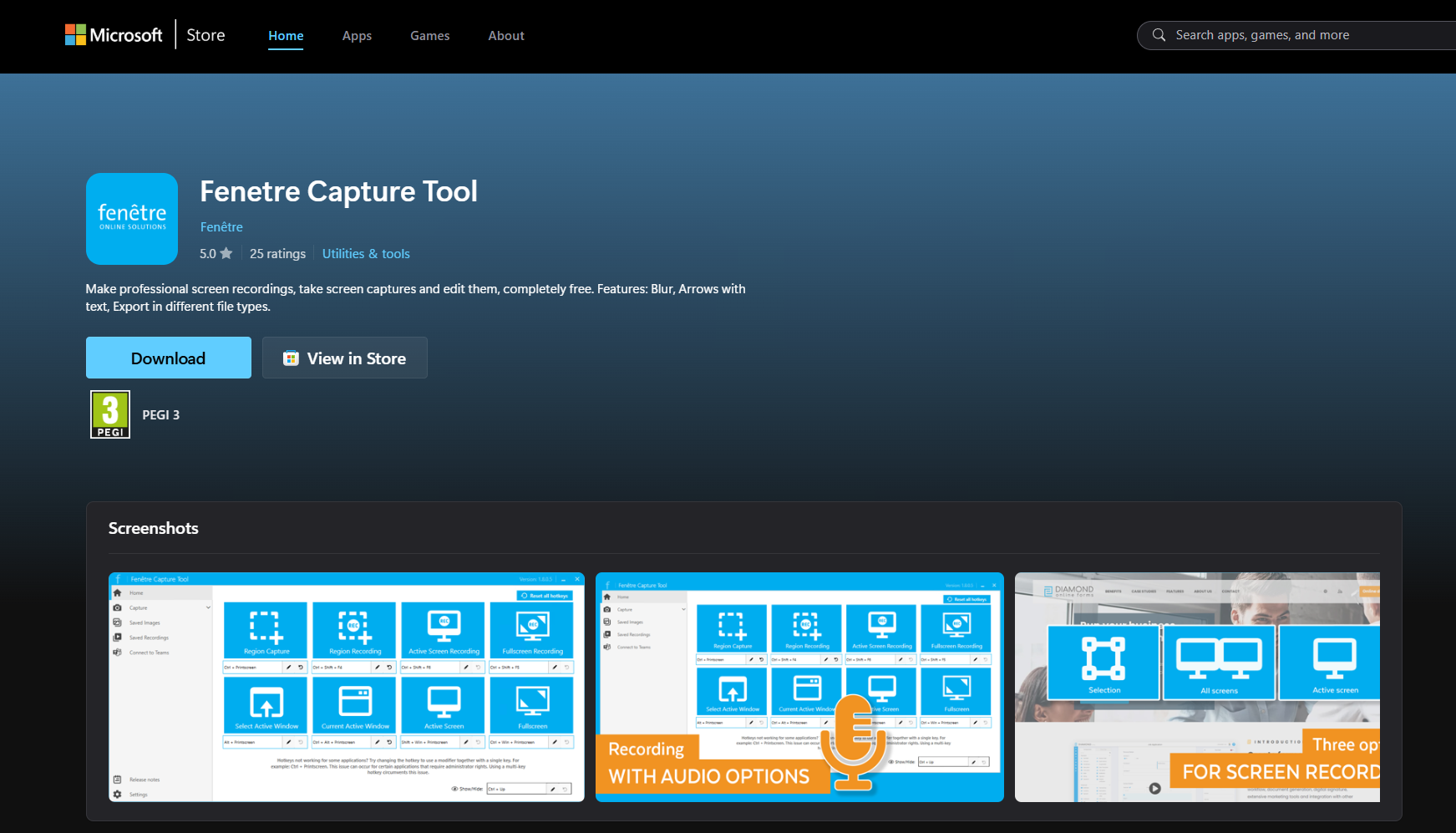
Easily create screen recordings without watermark with the free Fenêtre Capture tool!
Fenêtre's free screen recording tool is the ultimate free screen recorder without watermark!
We understand better than anyone how important it is to make professional, clear screen recordings without distracting watermarks. For our own use we have developed the Fenêtre Capture Tool. To share the convenience of this screen recording tool, we have made it available to everyone for fre.
With the Fenêtre Capture Tool you can quickly make free screen recordings without ugly watermarks. You don't have to turn off a setting or log in anywhere. The Fenêtre Capture Tool is completely free and available to everyone!
Download the Fenêtre Capture Tool for free screen recording without watermark from the Microsoft Store for Windows and install it on your computer.
Open the Fenêtre Capture Tool and use one of the home screen buttons or the keyboard shortcuts to start capturing screens. You can choose between the entire screen, a specific window, or a custom area. There will be no watermark on any of these screenshots.

After you have finished taking screen recordings without watermark, you can easily save the images in a folder of your choice. You can also send screen recordings directly via the Fenêtre Capture Tool by linking the app with Teams or Outlook.

The screen recordings you make with the Fenêtre Capture Tool without watermark are not only useful for personal use. Thanks to the extensive annotation and editing options, you can also use them in a professional setting, for example for:
Create educational videos and tutorials with screenshots without watermarks. Use the annotation tools to add arrows and numbered steps to images and videos.
Show software or products in action by recording your screen without a distracting watermark on screen. After recording, you can further edit your video with texts and arrows.
Capture images and videos for online presentations or to share with a wider audience. Do you want to leave out part of your screen? That's no problem thanks to the blur and pixelation functions.
Take screenshots of your gameplay without a watermark, so your entire screen remains visible.


Now it's time to get started with the screen recording tool and capture your own screen without a watermark. Good luck! Do you have questions about the application or an idea to make the tool even better? Don't be afraid to send us a message. Feedback is always welcome!
Join thousands of professionals who've upgraded their screen capture experience with the Fenêtre Capture Tool.